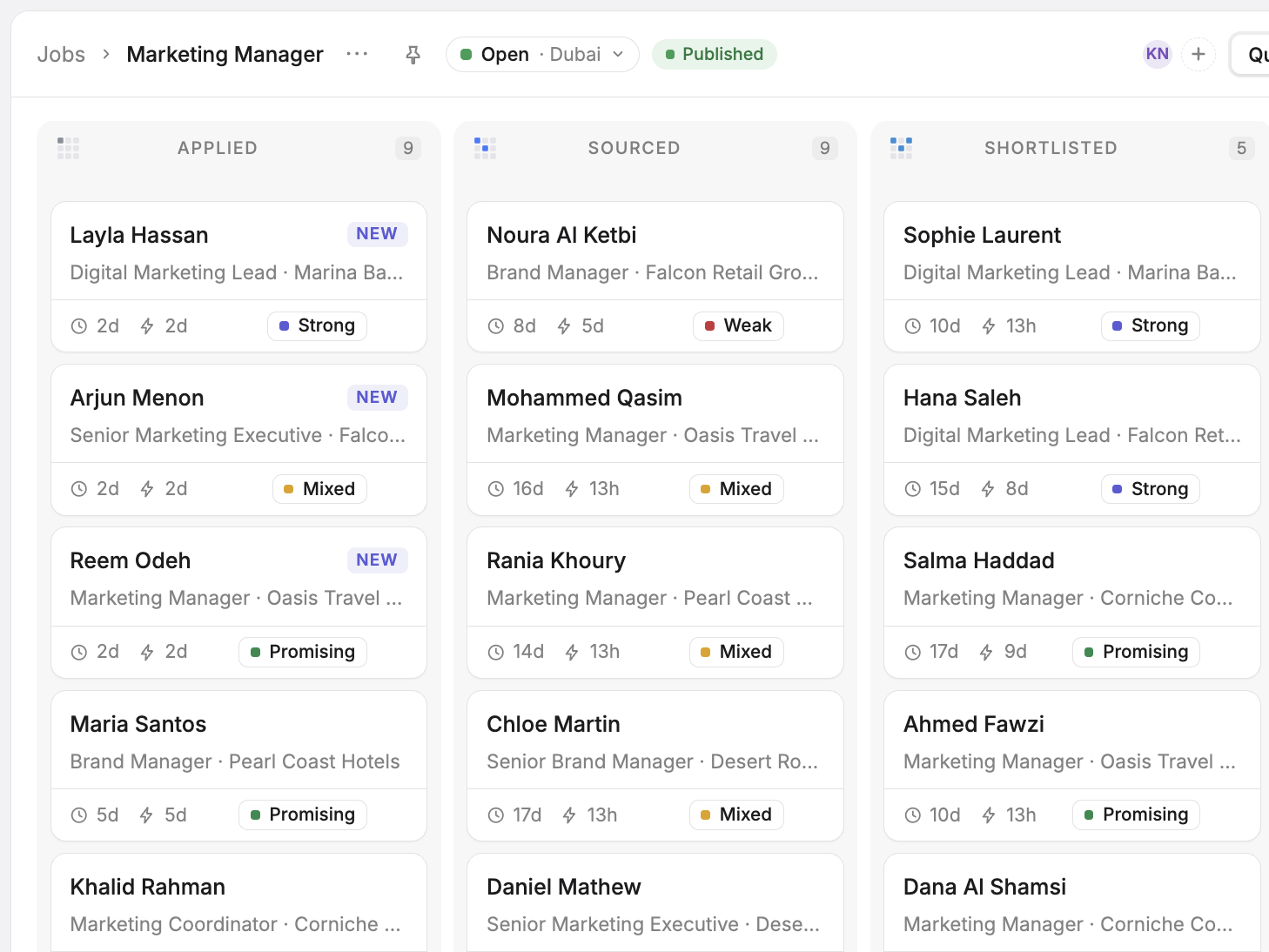
Your careers page. Your brand. Your candidates.
Create a branded destination for your vacancies and make it easy for candidates to discover opportunities and apply.
Careers pagePrototype UI · fictional data: Illustrative public careers page for a fictional company, with open roles and Apply now buttons.
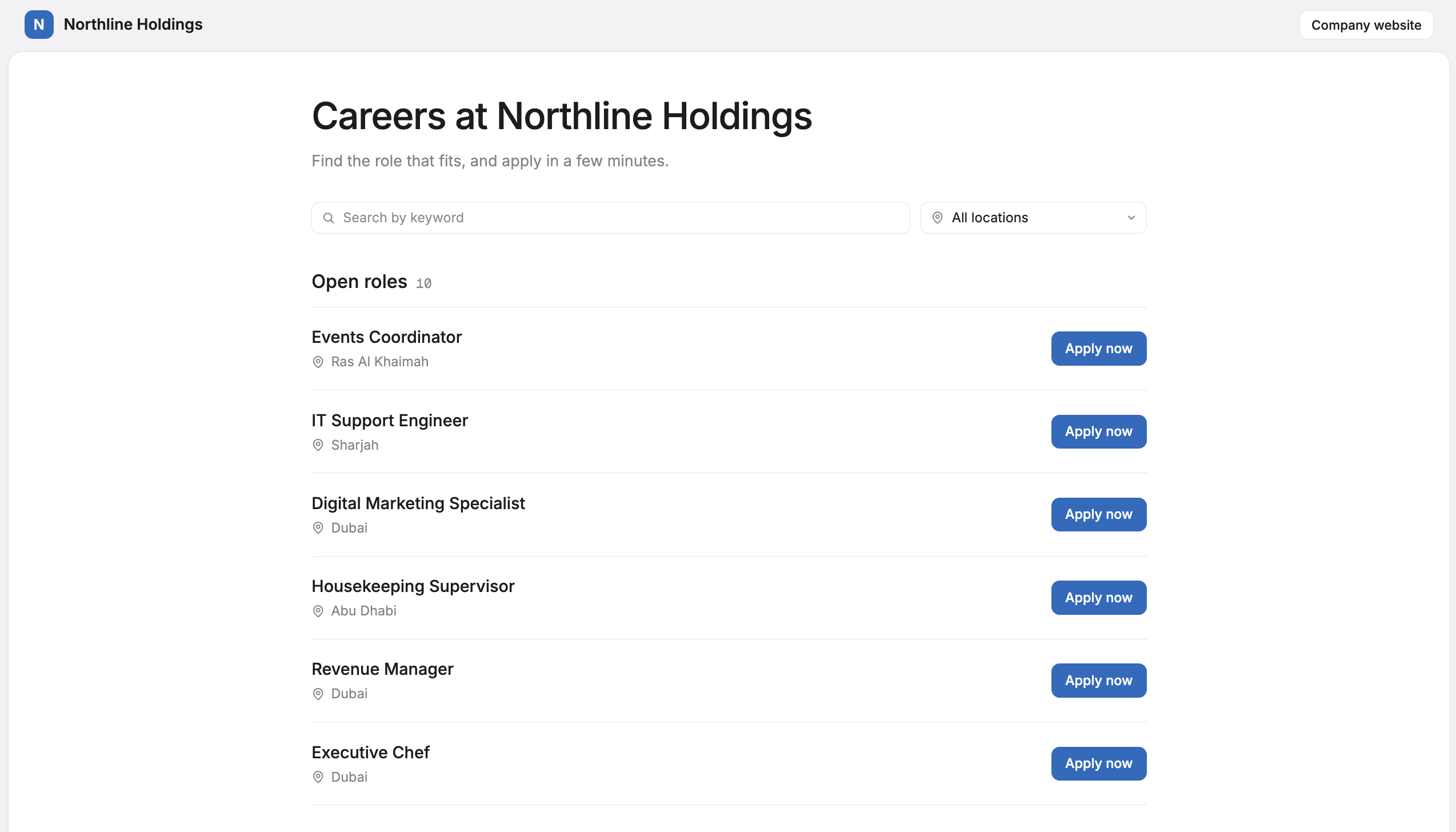
Give your vacancies a home.
Present your open positions through a careers page connected directly to your recruitment workspace.
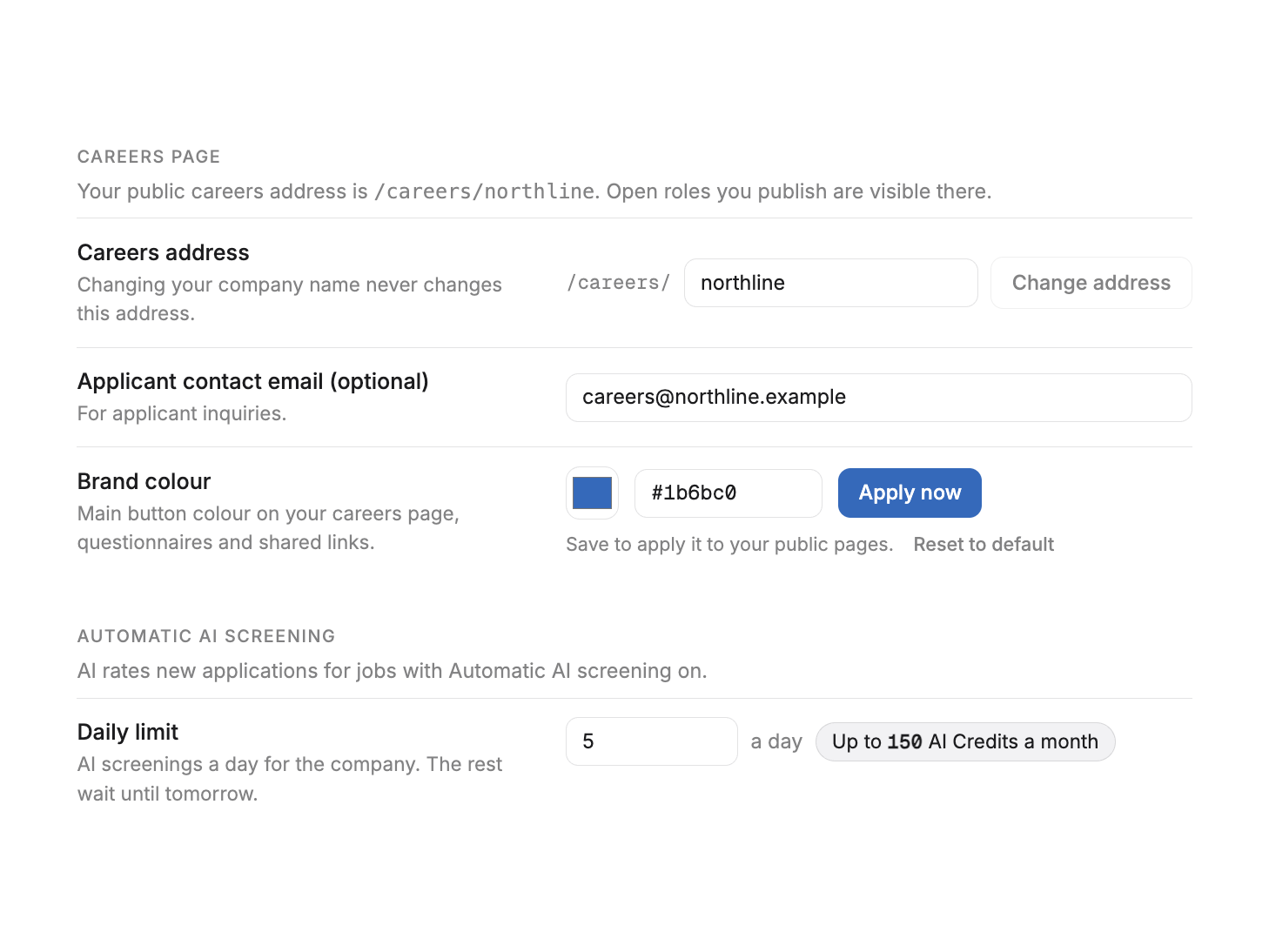
- Company-branded careers page
- Dedicated careers URL
- Published job listings
Settings — Careers pagePrototype UI · fictional data: Illustrative careers page settings with the public address, logo, favicon and brand colour.
From job listing to application, all connected.
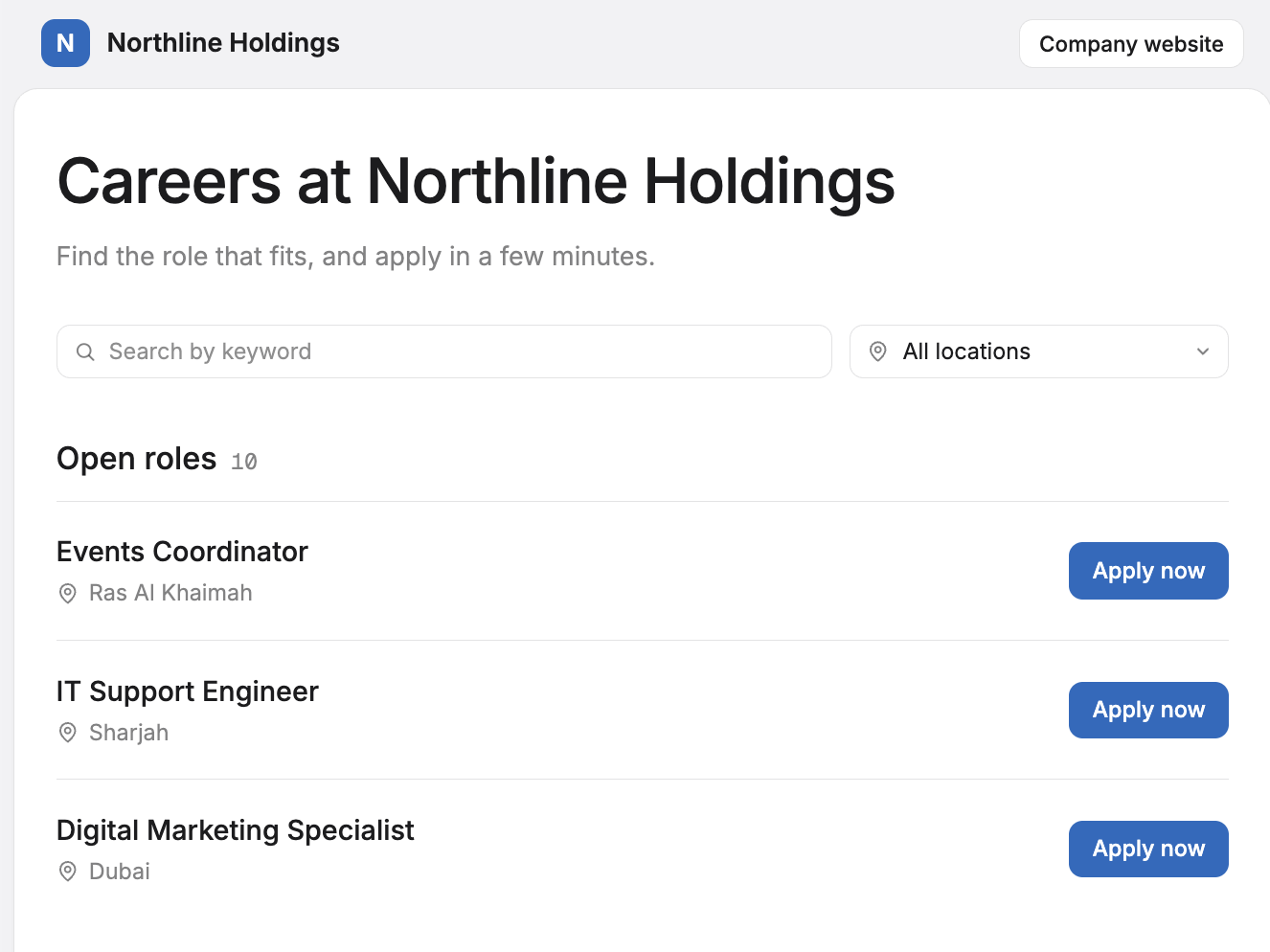
Publish vacancies: Illustrative public careers page with three open roles.
Careers pagePrototype UI · fictional data: Illustrative public careers page with three open roles.
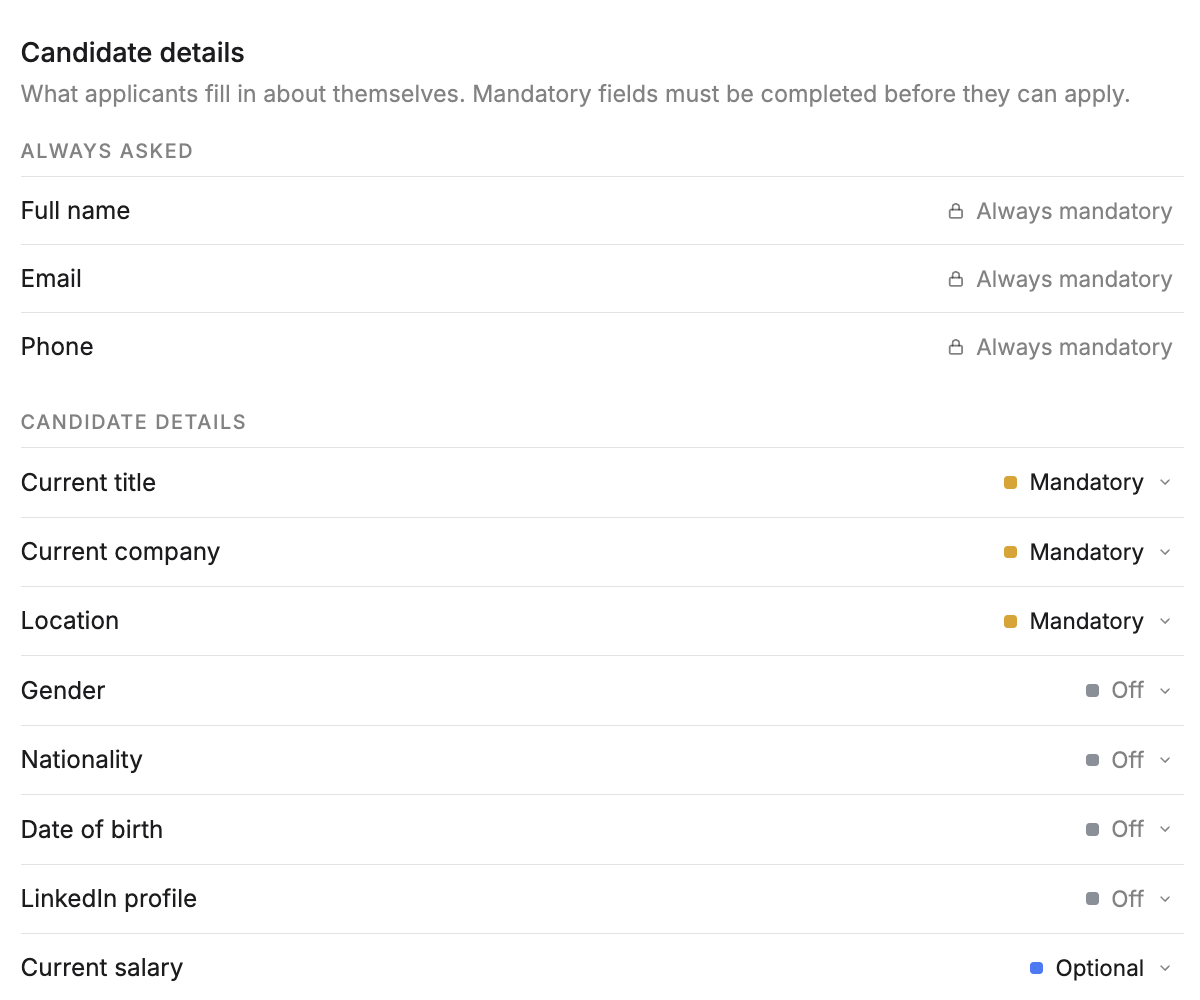
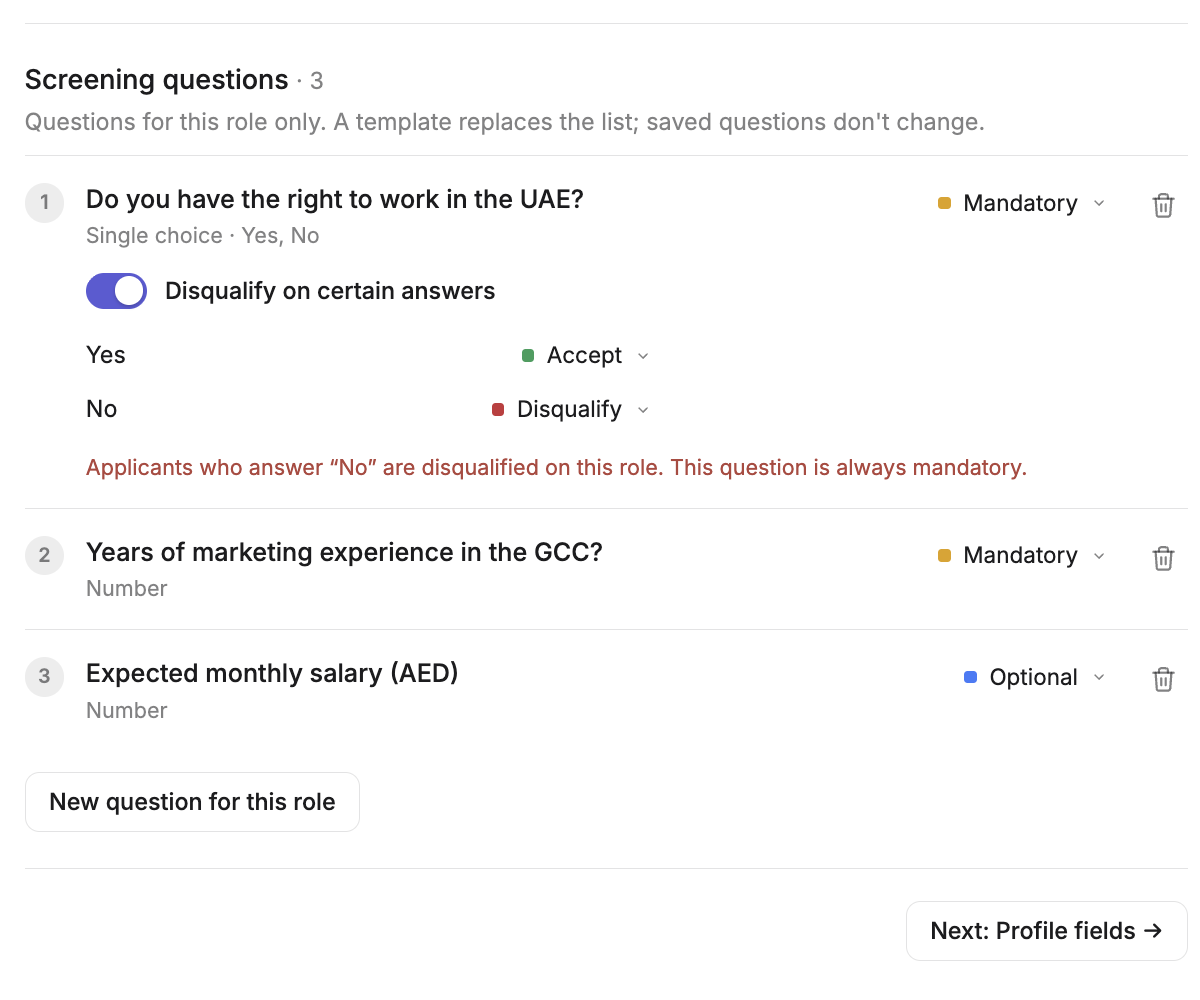
Applications land where your team works.
Candidates apply through your careers page, and their applications become part of your recruitment workflow without manual data transfers.
Product Designer — PipelinePrototype UI · fictional data: Illustrative pipeline board with new applications marked NEW.