Every conversation, connected to hiring.
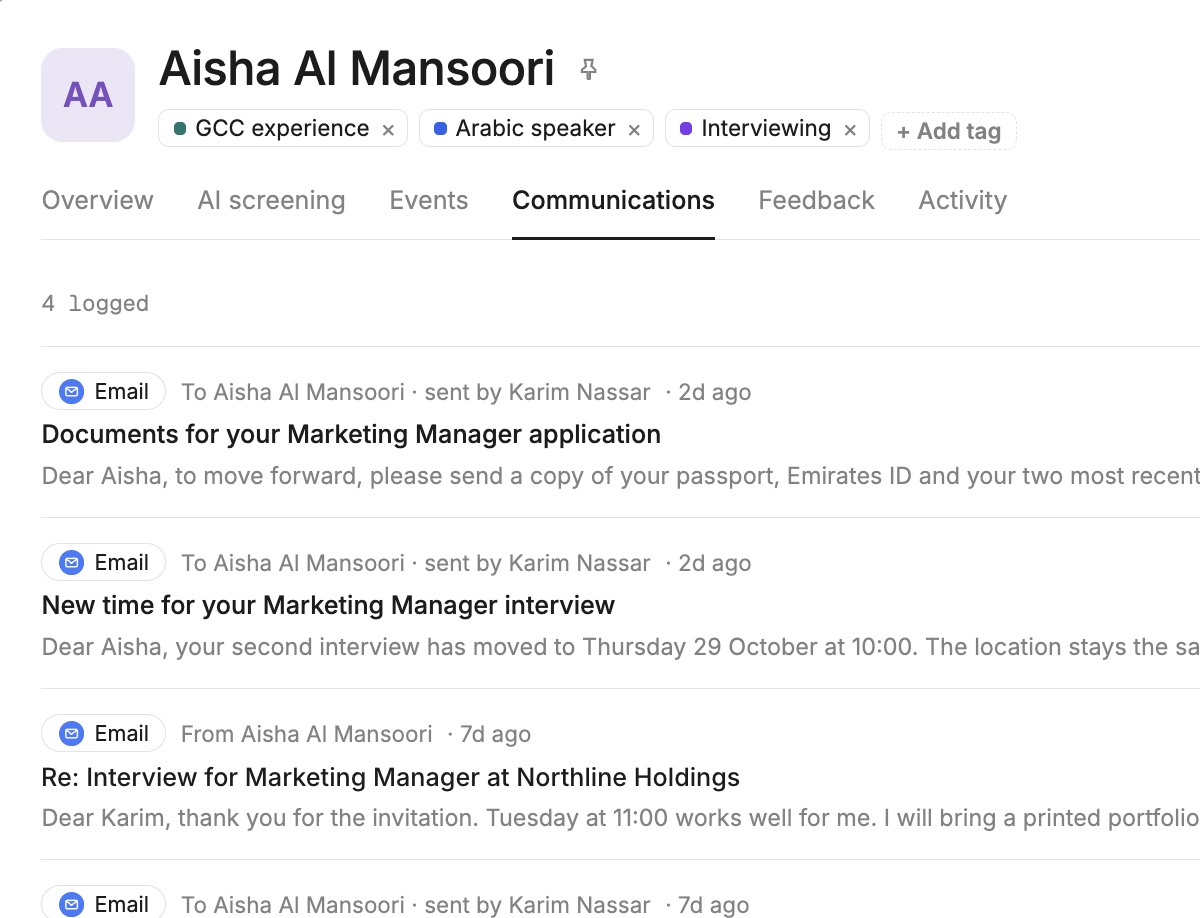
Keep candidate communication organized with connected mailboxes, email templates and communication history inside Avely.
Candidate — Priya Raman · CommunicationsPrototype UI · fictional data: Illustrative communications tab with emails sent to and received from a candidate.
Your email, connected to your recruitment workspace.
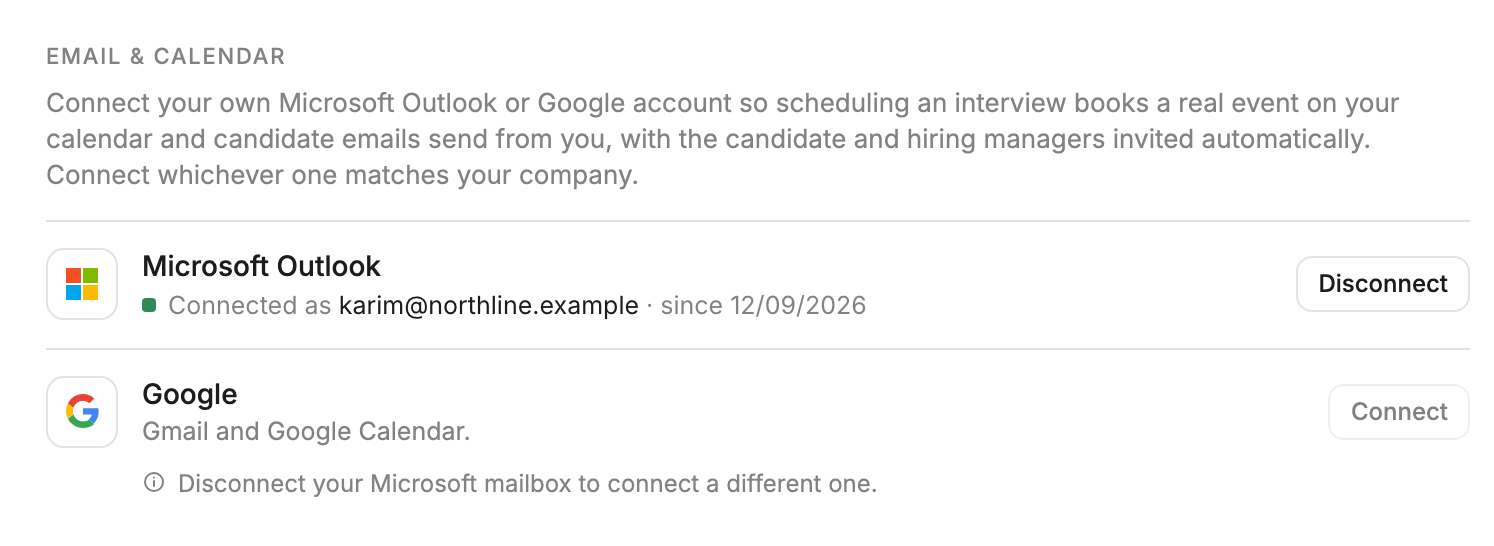
Connect supported Google or Microsoft mailboxes to manage candidate communication alongside hiring activity.
Settings — Email & calendarPrototype UI · fictional data: Illustrative mailbox settings with a connected Microsoft account and a Google account to connect.
The right conversation, in the right place.
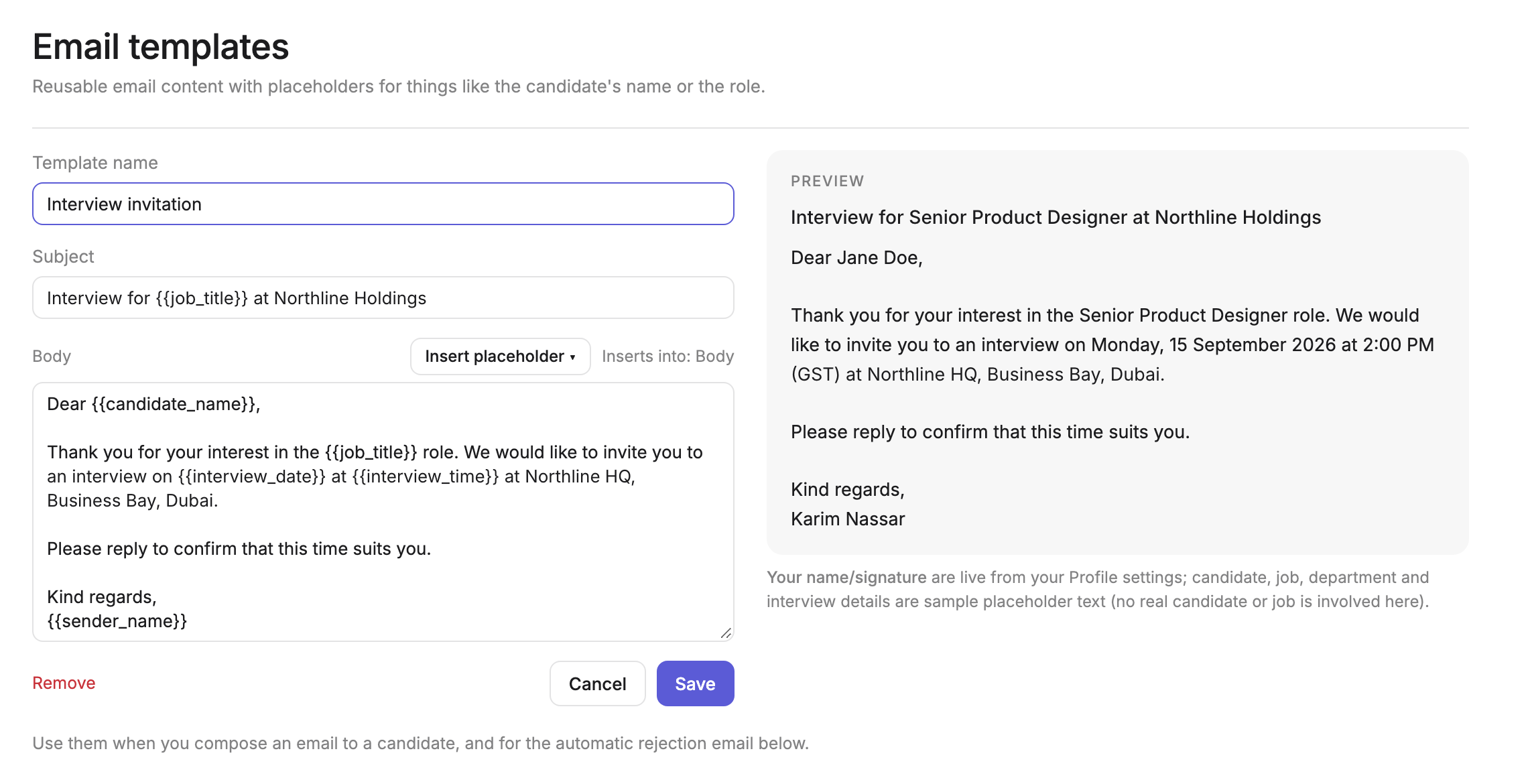
Keep relevant emails connected to candidate records, and save time with reusable templates for the messages you send most.
Settings — Email templatesPrototype UI · fictional data: Illustrative email template with placeholders.
Handle rejection emails thoughtfully.
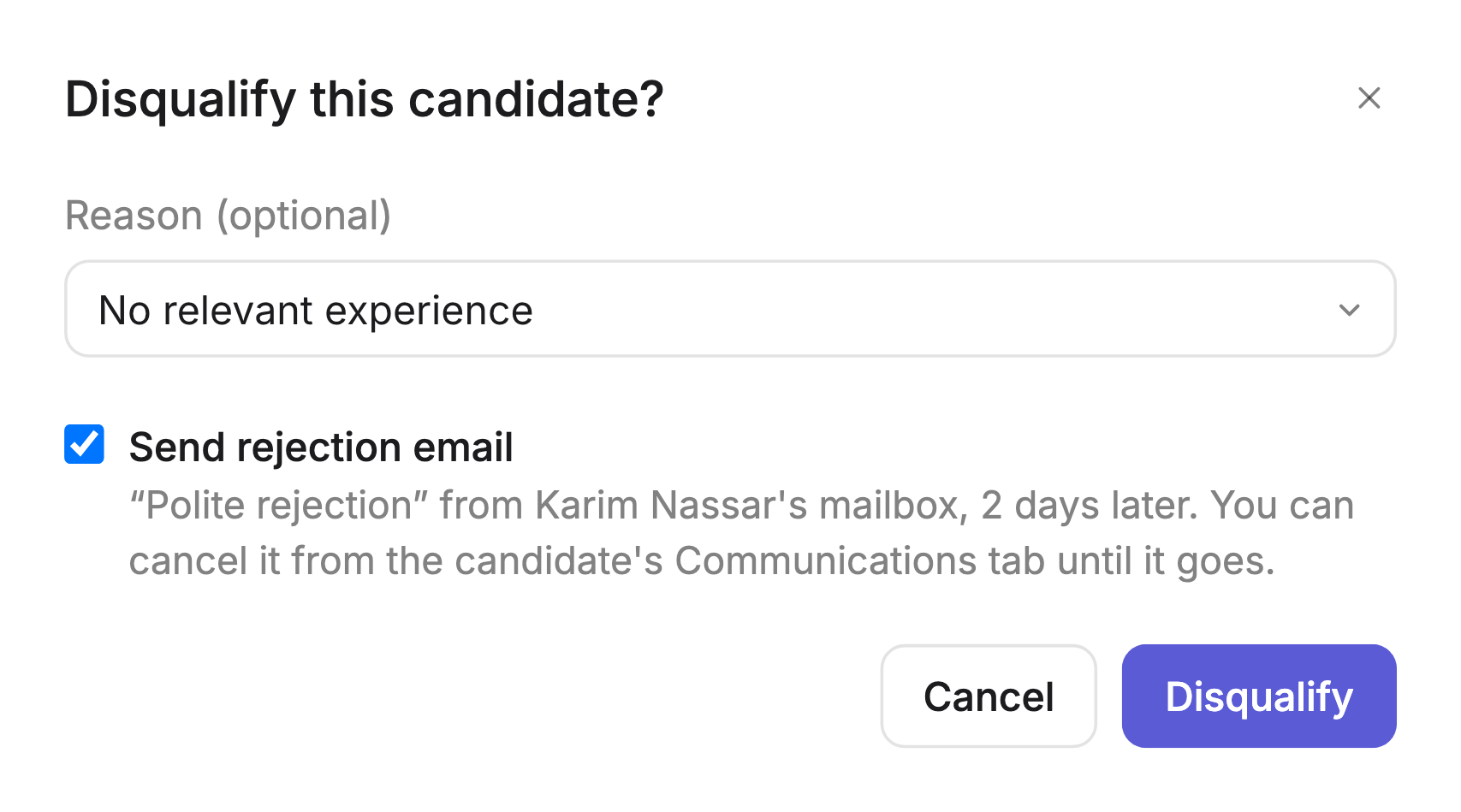
Configure an automatic rejection email template and choose when it should be sent. Recruiters retain control over whether an email is scheduled when disqualifying a candidate.
Settings — Automatic rejection emailPrototype UI · fictional data: Illustrative rejection email settings with delivery timing and the disqualify dialog.
Settings — Email & calendarPrototype UI · fictional data: Illustrative mailbox settings with a connected Microsoft account and a Google account to connect.